01 / Signatures
The logo family
Choose a variant for its background and available space. Transparent artwork keeps the surrounding surface part of the composition.

Light surface
Ink on paper
logo-icon-light.svg
Dark surface
Lavender on ink
logo-icon-dark.svg
Black
Single-color reproduction
logo-icon-black.svg
White
Single-color reproduction
logo-icon-white.svg
Favicon
A contained mark for compact surfaces
favicon.svg
Horizontal / light
320 × 80 · transparent
logo-horizontal-light.svg
Horizontal / dark
320 × 80 · transparent
logo-horizontal-dark.svg
02 / Scale
A clear silhouette at every size
The same three filled planes, shown at their actual CSS sizes.
- 16 px
- 24 px
- 32 px
- 48 px
- 64 px
Use 24 px or larger for interface navigation where space permits. The 16 px version is for compact contexts such as a browser tab.
03 / Library cover
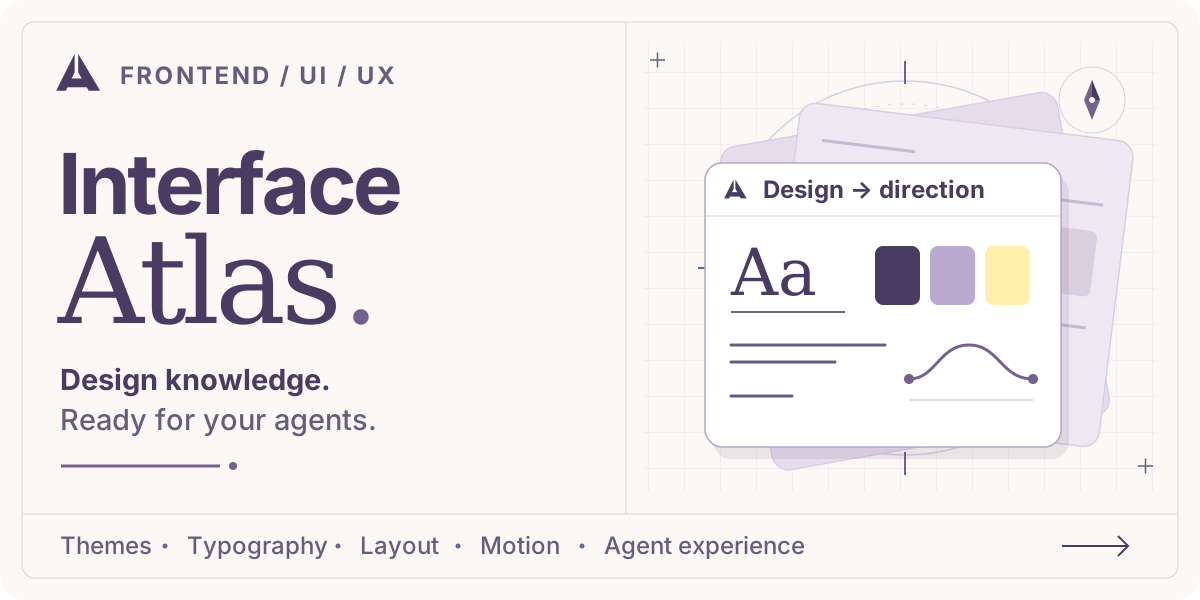
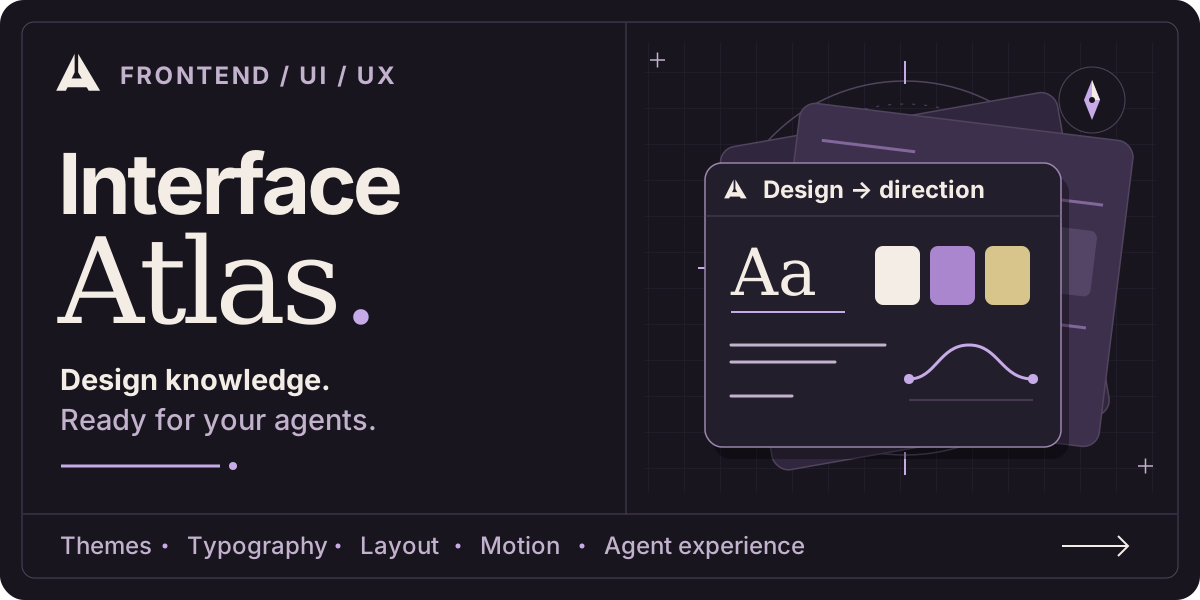
Design knowledge, ready for your agents.
Layered interface blueprints turn the library's themes, craft, and agent flows into an original visual cover. Open an SVG to view the artwork at full size.